

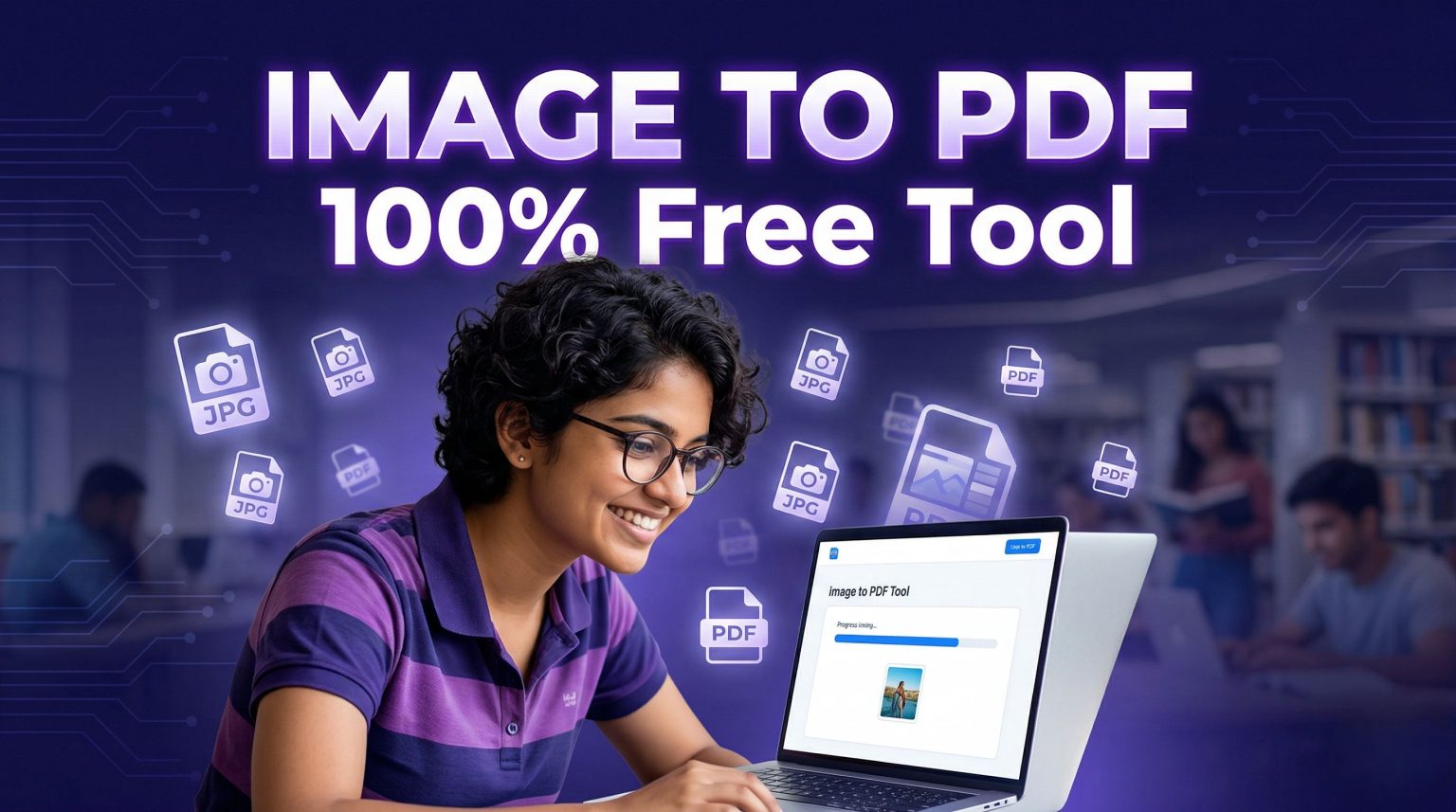





Image to PDF Converter Free: In today’s heavily digitalized world, whether you are applying for a highly competitive government job, submitting a college assignment, or sharing sensitive KYC documents like an Aadhaar or PAN card, one instruction remains constant—“Please upload a single PDF file.” Sharing 10 different JPG or PNG images via email or WhatsApp is not only unprofessional but also highly disorganized, leading to misplaced files and application rejections.
To bridge this gap and make digital documentation completely effortless, we have launched the ultimate Image to PDF Converter free tool right here at Sahi Update. Unlike other commercial websites that force you to buy premium subscriptions or ruin your crucial documents by stamping huge watermarks over them, our smart tool is entirely free, hyper-fast, and deeply respects your digital privacy. Let us dive into the extraordinary benefits of using our utility tool and how it can make your digital life incredibly simple.
Why Use Our Free Image to PDF Tool? (Top Features)
Our web-based utility is designed specifically for students, job aspirants, and professionals who need a quick and reliable solution without any hidden traps. Here are its best premium features:
- 100% Free & No Registration: You do not need to sign up, enter your email address, or provide any credit card details. Just open the tool and start converting instantly.
- Absolute Privacy & Data Security: This is a massive concern for KYC documents. Our tool processes your files securely. We do not permanently store your personal photos or documents on our servers.
- Strictly No Watermarks: Most “free” tools online stamp their brand name right across your document, making it useless for official submissions. Our converter provides a completely clean, watermark-free PDF.
- Zero Quality Loss: When converting high-resolution photographs or scanned mark sheets, our smart compression algorithm ensures that the text remains crisp and the PDF stays lightweight for easy uploading.
- Mobile & PC Friendly: Whether you are using an Android smartphone, an iPhone, or a Windows laptop, the tool works seamlessly directly from your web browser without downloading any heavy apps.
When Do You Need to Convert Image to PDF?
A PDF (Portable Document Format) preserves formatting, ensuring that your document looks exactly the same on any device. Here is why you might desperately need this tool:
| Use Case / Scenario | Why PDF is the Best Choice |
|---|---|
| Government Job Applications | Portals strictly demand all mark sheets (10th, 12th, Graduation) to be merged into a single PDF file under a specific size limit. |
| College Assignments & Exams | Teachers prefer a single PDF containing all 10-15 handwritten pages of your assignment in a sequential order instead of scattered WhatsApp images. |
| Bank KYC & Official IDs | Merging the front and back sides of an Aadhaar Card, PAN Card, or Voter ID into one single PDF looks highly professional and is rarely rejected. |
| Medical Reports & Prescriptions | Instead of scrolling through your gallery, combining all pathology reports and prescriptions into one PDF makes it extremely easy for a doctor to review. |
Step-by-Step Guide: How to Convert Images to PDF?
Using our built-in utility tool is as easy as sending a message. Just follow these 4 simple steps to generate your document in less than 10 seconds:
- Click on the sleek ‘Access Free Tool Here’ button provided right below. It will seamlessly take you to our dedicated utility page.
- Locate the ‘Image to PDF’ section on the tool page. Click on the ‘Choose Files’ or ‘Upload’ button to select the JPG, JPEG, or PNG images from your mobile gallery or computer folder.
- If you selected multiple images, you can easily drag and drop them to arrange the correct page sequence (e.g., Page 1, Page 2, Page 3).
- Hit the ‘Convert to PDF’ button. Within milliseconds, the tool will combine the images and provide a direct Download link. Save it, and your professional document is perfectly ready!
Conclusion: Digitize with Confidence
Gone are the days when you had to visit a cyber cafe just to get your images converted and merged into a PDF document. With the Sahi Update Image to PDF Converter Free Tool, you hold the ultimate power of document formatting right in your pocket. It is fast, secure, watermark-free, and incredibly easy to use. Bookmark the tool page today so you never struggle with job applications or assignment submissions again. For more such highly useful digital tools, tech tips, and premium guides, always stay tuned to Sahi Update.


Leave a Comment