






UP Board 10th and 12th Result 2026: The Ultimate Guide to Checking Your Scores
The Uttar Pradesh Madhyamik Shiksha Parishad (UPMSP) is one of the largest educational boards in the world, with millions of students appearing for the High School (Class 10th) and Intermediate (Class 12th) examinations every year. As we approach the month of April 2026, the anticipation for the UP Board Result 2026 is reaching its peak. For students and parents alike, knowing exactly how to navigate the official portals to check the results is crucial to avoid last-minute panic and technical glitches caused by heavy server traffic.
In 2026, the board has further streamlined the result declaration process by integrating advanced cloud servers and mobile-friendly interfaces. Whether you are checking from a rural village or a metropolitan city, the board has ensured that the result-checking experience is smooth and accessible. This guide provides a comprehensive, step-by-step walkthrough of all the available methods to check your scores, including official websites, SMS services, and digital lockers.
Expected Result Date for UP Board 2026
Historically, the UPMSP releases the Class 10th and 12th results simultaneously. Based on the evaluation schedule that began in March 2026, experts suggest that the results are likely to be announced in the last week of April or the first week of May 2026. The board usually holds a press conference at its Prayagraj headquarters before making the link active on the official servers. Students are advised to keep their admit cards ready to access their roll numbers and school codes instantly.
Methods to Check UP Board Result 2026
| Method | Requirement | Best For |
|---|---|---|
| Official Website | Roll Number & School Code | Detailed Marksheet View |
| SMS Service | Mobile Phone (No Internet) | Quick Score Check |
| DigiLocker | Aadhar Linked Mobile | Original Certificate Download |
| Third-Party Portals | Roll Number | When Official Site is Down |
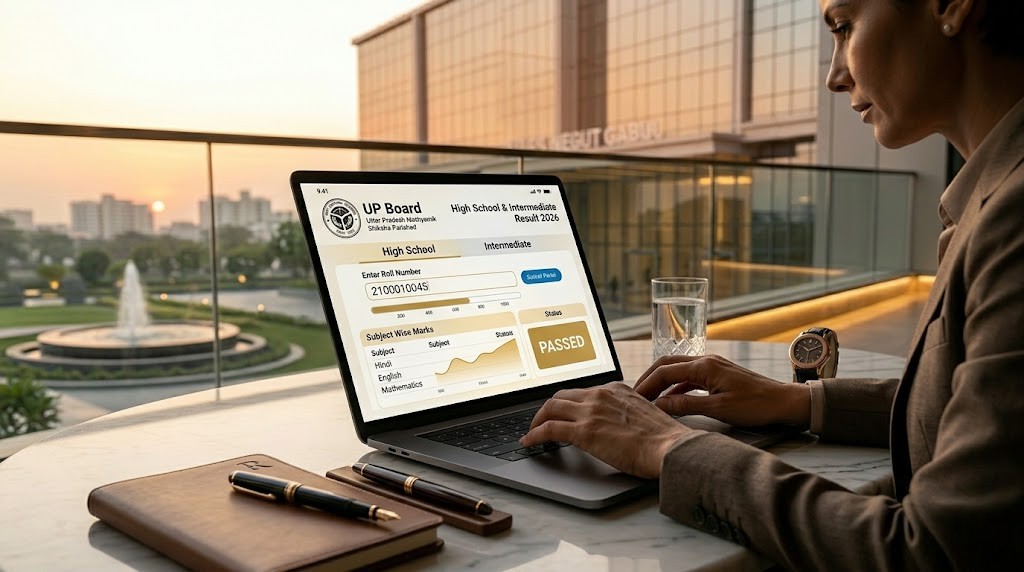
Step-by-Step Guide: Checking Result Online
The most common and detailed way to view your performance is through the official UPMSP result portals. Follow these steps carefully:
- Open Your Browser: Use a reliable browser like Google Chrome or Safari on your smartphone or computer.
- Visit the Official Portal: Navigate to the official results website of the Uttar Pradesh board (upresults.nic.in or upmsp.edu.in).
- Select Your Class: Look for the links “UP Board Intermediate (Class XII) Examination – 2026 Results” or “UP Board High School (Class X) Examination – 2026 Results.”
- Enter Identification Details: You will be prompted to enter your 10-digit Roll Number. For Class 12, you may also need to enter your 5-digit School Code as mentioned on your admit card.
- Submit and View: Enter the ‘Captcha’ code shown on the screen and click on the ‘Submit’ button. Your detailed marksheet will appear on the screen.
- Save/Print: It is highly recommended to take a screenshot or print the result for temporary use until original marksheets are issued.
How to Check Result via SMS (Without Internet)
On the day of the result, official websites often experience high traffic, making them slow or unresponsive. In such cases, the SMS method is a lifesaver. This service works even on basic feature phones without an internet connection. To use this service, follow the format below:
- For Class 10: Type
UP10 <Roll Number>and send it to 56263. - For Class 12: Type
UP12 <Roll Number>and send it to 56263.
After sending the message, you will receive a reply with your subject-wise marks and your final result status (Pass/Fail).
Downloading Original Marksheet from DigiLocker
The UPMSP has fully integrated with the Government of India’s DigiLocker platform. Starting from 2026, the board considers the digital marksheet stored in DigiLocker as an “Original” document, valid for college admissions. To access this:
- Download the DigiLocker app or visit the website.
- Sign in using your Aadhar number and mobile OTP.
- Search for “UP State Board of High School and Intermediate Education.”
- Select the document (10th/12th Marksheet) and enter your Roll Number and year of passing (2026).
- The document will be fetched and permanently stored in your “Issued Documents” section.
Understanding Your UP Board 2026 Marksheet
When you view your result, you will see several abbreviations and codes. It is important to understand what they mean:
- PAS: Passed in all subjects.
- SUP: Compartment/Supplementary (You need to appear for one or two papers again).
- INC: Incomplete (Result withheld due to missing data or internal marks).
- UFM: Unfair Means (Disqualified due to cheating).
If you find any discrepancy in your name, father’s name, or marks, you should immediately contact your school principal for the correction process.
What to Do After the Results?
If you are satisfied with your marks, you can proceed with further studies. For 10th students, this means choosing a stream (Science, Commerce, or Arts) for Class 11. For 12th students, it is time to focus on entrance exams like CUET, JEE, or NEET. However, if you feel your marks are not up to your expectations, the UP Board offers a Scrutiny (Re-evaluation) process where you can apply for a re-check of your answer scripts by paying a nominal fee.
Conclusion
Checking the UP Board Result 2026 is a moment of mixed emotions for millions. By following the structured methods mentioned in this guide, you can ensure a hassle-free experience. We recommend students not to stress and to remember that a marksheet is just a part of your long journey ahead. Keep your documents ready, stay calm, and use the SMS method if the websites are slow. For the latest updates on result dates, topper lists, and scholarship opportunities after the board exams, stay tuned to sahiupdate.com. We wish all the students the very best for their results!


Leave a Comment