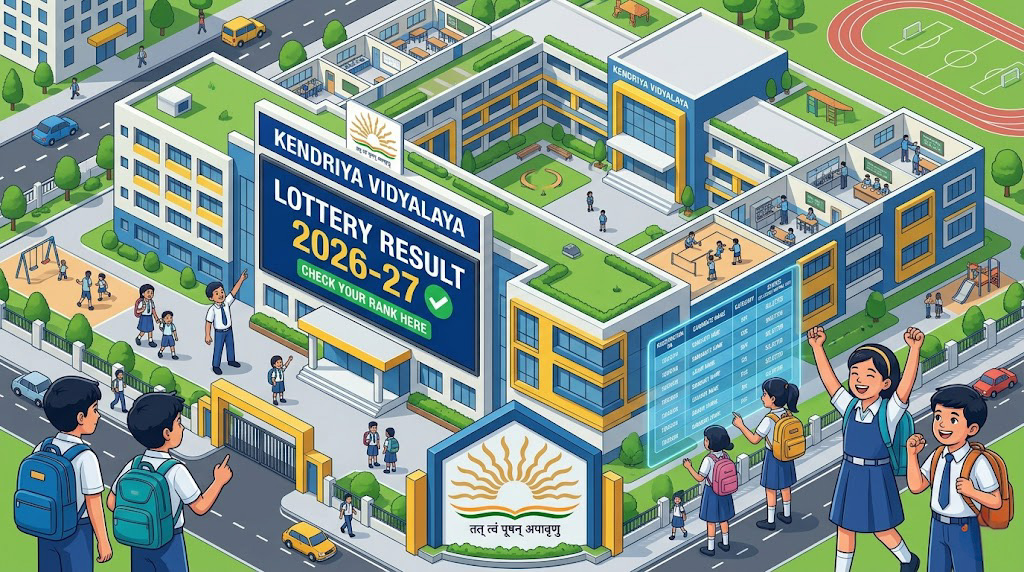
KVS Class 1 Admission 2026: Kendriya Vidyalaya Sangathan (KVS) is organizing the All India Class 1 and Balvatika Admissions for the academic session 2026-27. Parents who have registered their children for admission in Kendriya Vidyalaya schools can now download the KVS Class 1 Admission 2026 Lottery Result. Check all official updates and list dates on SahiUpdate.com.
Kendriya Vidyalaya Sangathan (KVS) |
Kendriya Vidyalaya KVS Class 1 Admission 2026 |
| KVS Class 1st Admissions 2026 : Short Details of Notification |
| WWW.SAHIUPDATE.COM |
| Important Dates |
| Application Begin : 20/03/2026 |
| Last Date to Apply : 02/04/2026 |
| First Lottery List : 08/04/2026 |
| Second List Date : 16/04/2026 |
| Third List Date : 21/04/2026 |
| Application Fee |
| General / OBC / EWS : 0/- |
| SC / ST / PH : 0/- |
| Female Candidates : 0/- |
| Mode: No Fee (Online Only) |
| KVS Class 1 Admission 2026 Eligibility & Age Limit |
| Class Name |
Age Limit (as on 31/03/2026) |
Documents Required |
| Class I (1st) |
6 to 8 Years |
Birth Certificate, Candidate Photo, and ID Proof (Valid ID like Aadhaar Card). |
| Official Update: KVS Class 1 Admission 2026 Lottery Selection |
|
The KVS Class 1 Admission 2026 process is strictly based on a lottery system for various categories including RTE, SC, ST, and OBC-NCL. The first provisional list released on 8th April 2026 contains the names of selected candidates who need to complete the admission formalities at their respective Kendriya Vidyalayas. It is mandatory for parents to present the original birth certificate and other supporting documents at the time of admission. The KVS Class 1 Admission 2026 follows the guidelines set by the Ministry of Education, ensuring a fair and transparent selection process for all applicants.
|
| How to Check KVS Class 1 Admission 2026 Lottery Result |
|
1. Visit SahiUpdate.com and click on the Lottery Result link. 2. You will be redirected to the official KVS Admission portal. 3. Select your State and the specific Kendriya Vidyalaya school you applied to. 4. Click on the ‘Lottery Result’ tab. 5. Download the PDF file and search for your child’s Application Submission Code or Name. For parents needing to adjust document sizes for online portals, our Photo & Signature Resizer Tool is available for free.
|