

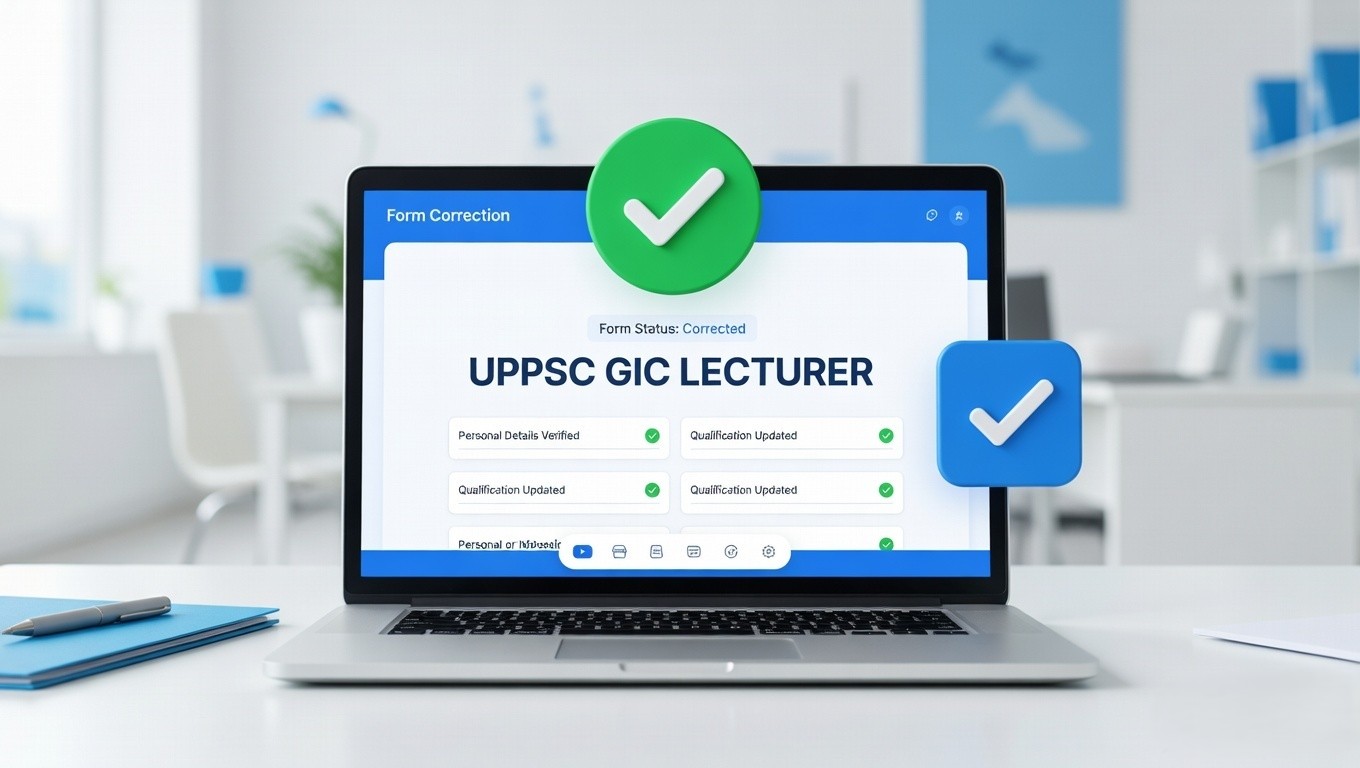





UPPSC GIC Lecturer Correction Form 2026: Making a small spelling mistake or uploading the wrong document while filling out a government job application is completely human. But when it comes to highly prestigious exams like the Uttar Pradesh Public Service Commission (UPPSC), even a minor error can lead to the rejection of your hard work. Understanding this stress, the commission has brought fantastic news for all teaching aspirants! The official online window to edit and modify the UPPSC GIC Lecturer Recruitment 2025-2026 application form is now fully active.
This major recruitment drive (Advt No. A-6/E-1/2025) was launched to fill a massive 1516 Vacancies for the post of ‘Pravakta’ (Lecturer) in Government Inter Colleges (GIC), Sparsh Vishesh Madhyamik Schools, and Jail Parshikshan Vidyalayas across Uttar Pradesh. Whether your subject is Sociology, Economics, Civics, English, History, Hindi, or Sanskrit, if you have enrolled in this vacancy, this is your final golden opportunity to fix any discrepancies in your submitted data. Here at Sahi Update, we have curated a detailed, step-by-step guide to help you navigate the OTR correction process safely, along with perfectly organized tables and direct official links.
UPPSC GIC Lecturer Form 2026: Quick Overview
Before you jump into the correction portal, it is extremely important to keep track of the timeline. The correction window is open for a very strictly limited period. Missing this deadline means your incorrect form will be processed, leading to potential disqualification during the document verification (DV) stage.
| Important Dates | Application Fee (Already Paid) |
|---|---|
|
|
💡 Pro Tip for Candidates:
Most form rejections in UPPSC happen due to blurry photographs, incorrect signatures, or mismatched OTR details. Use our free Sahi Update Image Resizer Tool to fix your photo dimensions perfectly before uploading them again!
Age Limit Requirements (As on 01/07/2025)
One of the fields candidates often get confused about is their age calculation. UPPSC strictly calculates your age base as of 1st July 2025. If you entered the wrong Date of Birth during your initial registration, this is the time to correct it to avoid future legal troubles.
| Criteria | Age Limit |
|---|---|
| Minimum Age | 21 Years |
| Maximum Age | 40 Years |
| Age Relaxation | Extra age relaxation is given to reserved categories strictly as per the UPPSC Advt No. A-6/E-1/2025 Rules. |
Vacancy Breakdown & Deep Eligibility Analysis (1516 Posts)
The GIC Lecturer position is a highly reputed Group ‘B’ Gazetted post. Teaching at Government Inter Colleges offers excellent pay scales, job security, and immense respect in society. Ensure that the educational qualifications you have filled in your form perfectly align with the strict UPPSC guidelines mentioned below.
| Exam Name (Post) | Total Post | UPPSC Detailed Eligibility Requirements |
|---|---|---|
| Pravakta Govt Inter College (Male Branch) | 777 |
|
| Pravakta Govt Inter College (Female Branch) | 694 | |
| Pravakta Sparsh Dristhibadhit Govt Inter College | 49 | |
| Pradhyapak UP Jail Parshikshan Vidyalaya | 02 |
How to Edit / Modify Your UPPSC GIC Application Form?
The correction process on the UPPSC portal relies heavily on the One Time Registration (OTR) system. If your core details (like Name, Father’s Name, DOB) are wrong, you might need to update your OTR profile first. For other application-specific mistakes, follow this comprehensive human guide to securely modify your form:
- Scroll down to the ‘Important Links’ table section located at the bottom of this article.
- Click on the ‘For Edit / Modify Form’ link. This will securely redirect you to the official UPPSC OTR Authentication portal.
- Log in to your dashboard. You can choose to authenticate yourself either through an OTP sent to your registered mobile number/email ID or directly through your OTR credentials and password.
- Once successfully logged in, locate the “Modify Submitted Application” section on your dashboard.
- Carefully change the fields where you made the error. Whether it is your educational percentage, passing year, subject selection, or uploading a clearer photograph, do it with absolute focus.
- Review the entire application form one more time using the ‘Preview’ button. Remember, you might not get another chance after submitting this!
- Hit the Final Submit button and generate a fresh PDF printout of your corrected application form. Keep this safely in your files for the interview and document verification stages.
Direct Official Links (Important Links)
For your safety and convenience, we have compiled all the 100% verified, official UPPSC links below. Do not trust random websites; use the links provided below to ensure your personal data remains completely secure.
| For Edit / Modify Form (OTR Login) | Click Here To Modify Form |
| Download Modify Form Notice | Click Here To Download Notice |
| Apply Online (Dashboard) | Click Here To Login |
| Download Official Notification | Click Here To Download (PDF) |
| Sahi Update Tools (Photo Resizer & More) | Click Here For Free Tools |
| Official UPPSC Website | Visit uppsc.up.nic.in |
| Join Our Telegram For Study Notes | Join Telegram Group |
| Join Our WhatsApp Group | Join WhatsApp Group |
Conclusion
Dear teaching aspirants, becoming a GIC Lecturer through UPPSC is a dream for lakhs of candidates in Uttar Pradesh. Do not let a silly spelling mistake or a blurry document ruin your years of hard work. The window is strictly open only until the 27th of March 2026. Since UPPSC servers often slow down on the last day due to heavy traffic, we highly recommend that you log in today and finalize your corrections. Focus entirely on your syllabus and mains preparation afterward. For the absolute fastest updates on UPPSC exam dates, GIC admit cards, and final cut-offs, always ensure you visit Sahi Update. Best of luck with your future as an educator!


Leave a Comment